How to Identify an Unknown Number in Pakistan?

Unknown calls are something that we all have experienced at least once in our lives. This is one of the annoying experiences, and we often become curious about the identity of that caller.
However, things have changed now. The advancement of telecommunication has made it possible for all citizens to check the identity of an unknown caller.
My team has developed a tool that provides the data of a SIM number. You can use that tool to find out who is calling you. You can find the full name, CNIC number, and home address of that caller in just a few seconds.
Let’s check out how to do it.
How to Identify an Unknown Number in Pakistan?
Unknown calls create concern because the caller’s identity is not visible. In Pakistan, mobile numbers are registered through verified identity records. This registration system allows limited identification of a caller through approved data sources.
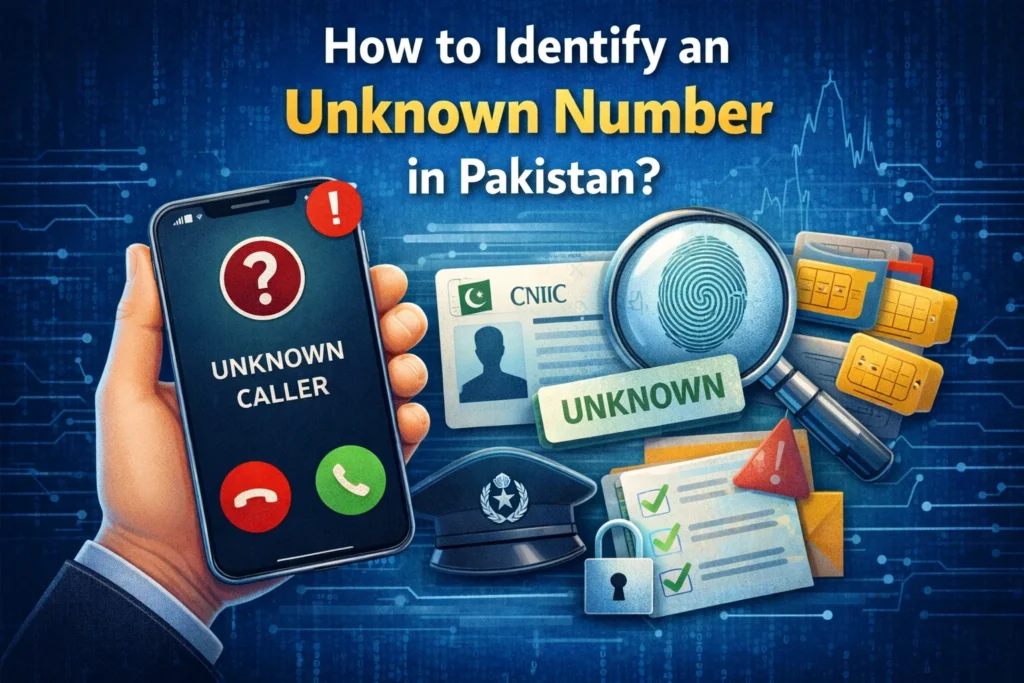
As a result, identifying an unknown number has become possible through online SIM information tools.
The SIM Ownership Details Checker tool provides access to basic registration information linked with a mobile number. This method helps users understand who is calling and why the call is being received.
Step 1: Open the SIM Ownership Details Checker Tool
Access our website simownerdetails.io using a web browser. The platform is designed to check SIM ownership details based on registered telecom records.
Step 2: Enter the Unknown Phone Number
Type the complete mobile number in the search field. The number should be entered in the correct Pakistani format to ensure accurate processing.
Step 3: Submit the Number for Verification
Start the search process by submitting the entered number. The system matches the number with the available SIM database.
Step 4: Review the Available Details
The tool displays the registered name linked to the SIM. CNIC information and address details will appear where records are available.
Step 5: Confirm the Caller Identity
The displayed information helps identify the caller. This process supports informed decisions about answering or blocking future calls.
How to Report an Unknown Caller?
Reporting an unknown caller helps reduce misuse of mobile numbers and protects personal security. Pakistan provides official reporting channels for telecom complaints and cybercrime cases.
Follow the steps below based on the nature of the call.
Step 1: Identify the Type of Call
Check whether the call involves harassment, spam, or repeated disturbance. Such calls fall under telecom complaints. Calls involving fraud, threats, or scams fall under cybercrime.
Step 2: Report Telecom-Related Calls to PTA
Call the Pakistan Telecommunication Authority helpline 0800-55055. Send an email to complaint@pta.gov.pk with the caller number and call details.
Step 3: Report Cybercrime Calls to FIA
Email the Federal Investigation Agency at complaints@fia.gov.pk. Call the FIA cybercrime helpline 111-345-786 for guidance.
Step 4: Share Accurate Call Information
Provide the unknown number, call time, and call type. Accurate information supports faster investigation.