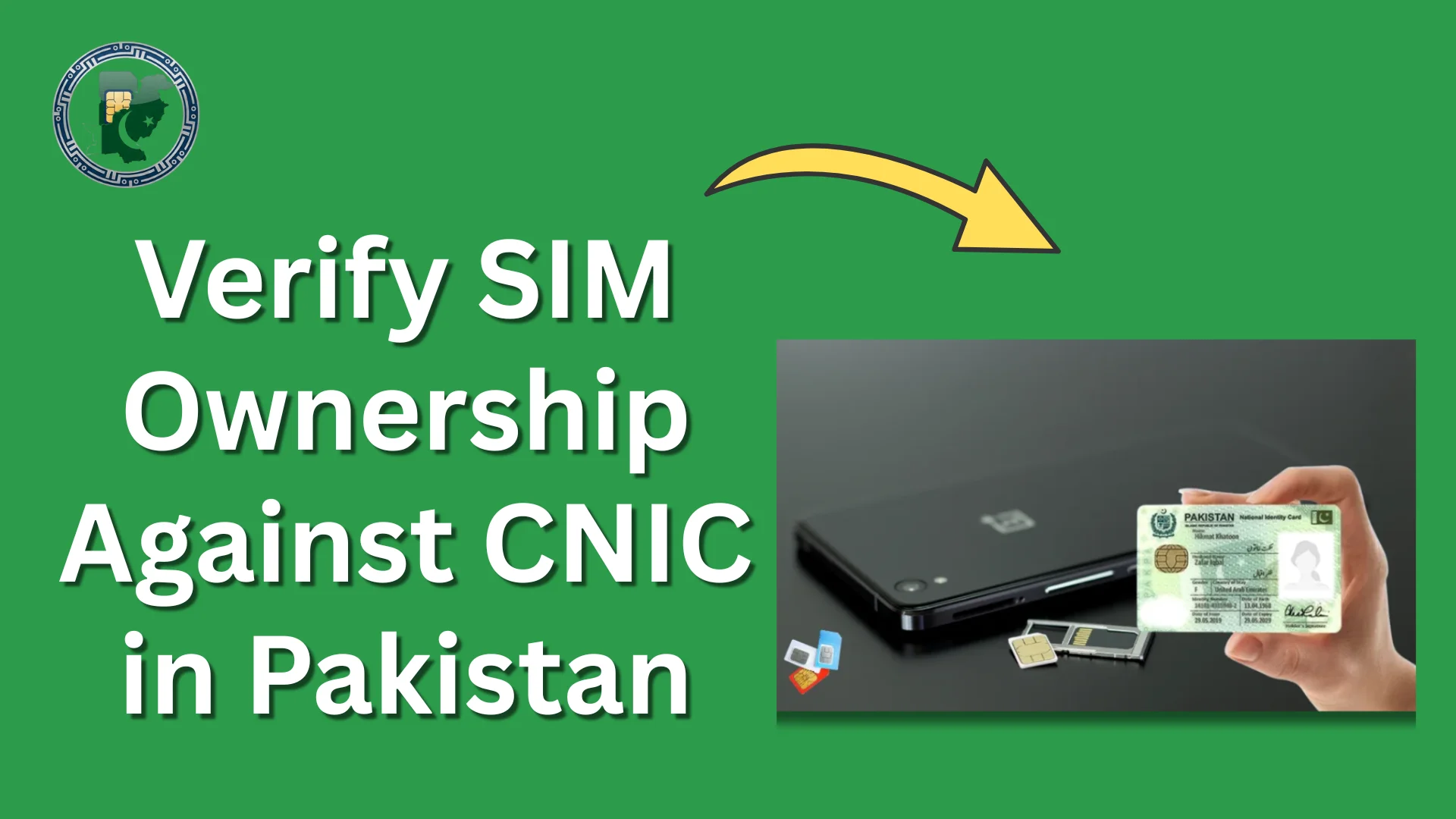
How to Verify SIM Ownership Against CNIC in Pakistan

Pakistan is experiencing rapid growth in digital communication, which has also led to a noticeable rise in cybercrime and identity misuse. News reports frequently highlight cases where individuals face legal trouble due to SIM cards registered under their CNIC without their knowledge or consent.
In many such situations, the affected person claims no involvement, yet the misuse of a registered SIM creates serious complications.
Verifying SIM ownership against a CNIC has therefore become a necessary step for every mobile user in Pakistan. This process helps ensure that all active SIM cards registered under a CNIC are authorized, legally used, and fully under the control of the rightful owner.
Let’s find out how to verify a SIM ownership against CNIC in Pakistan and how to avoid unauthorized SIM registrations in 2026.
How to Check SIM Ownership Against CNIC in Pakistan?
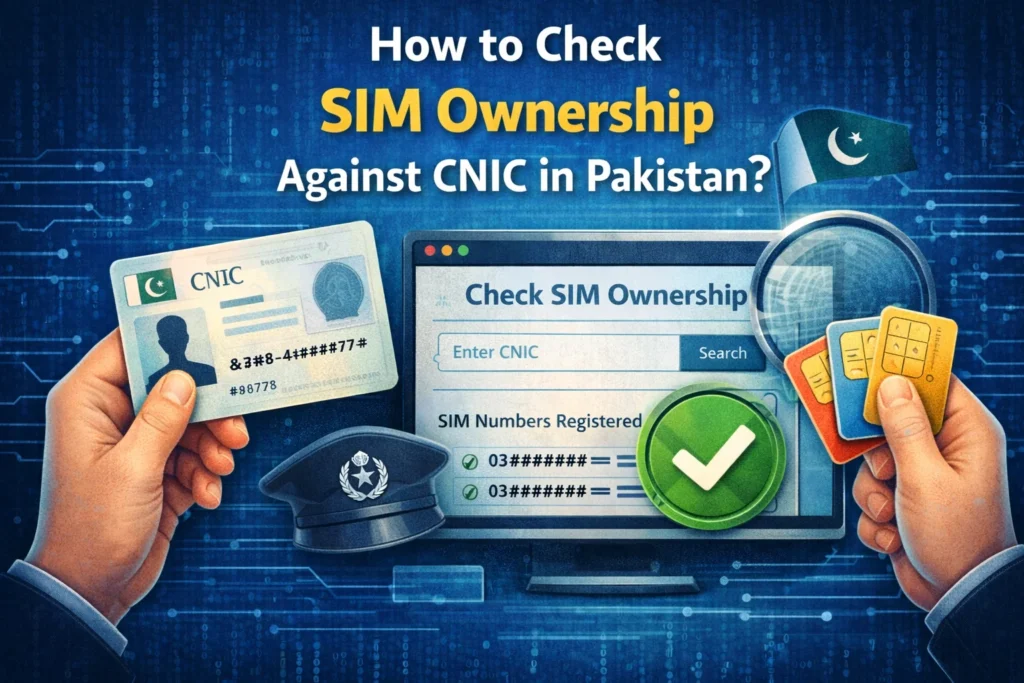
SIM ownership checking is a good thing. Every citizen should do it at least once every six months. This will keep you safe from unauthorized use of your CNIC details. Let’s find out how to check all the SIM ownership details against your CNIC in 2026.
- Go to our website’s main page, which we dedicated to SIM Ownership Details checking.
- On the main page of this site, you need to enter your 13-digit CNIC number or Computerized National Identity Card number without dashes.
- Tap on the “Check Details” button and wait for the tool to fetch the data.
- After 5 to 10 seconds, you will get all the SIM numbers registered on your CNIC.
- If all of those SIM numbers are your numbers, then it is fine, and there is no need to worry.
- However, if there are some SIMs that are unfamiliar, then you need to take immediate action.
Check How Many SIMs Are Registered Against Your CNIC Via SMS
There is another way to check if there are some additional or unauthorized SIMs registered against your CNIC, and that is via SMS. You can also read the complete guide on how many SIMs are registered on my CNIC on this website.
- Open your mobile phone’s SMS option.
- Now choose a recipient and add “668” as the recipient number.
- Type your 13-digit CNIC number (no dashes) and send it.
- Get a reply from the Pakistan Telecommunication Authority (PTA) containing details of all the SIMs registered against your CNIC.